



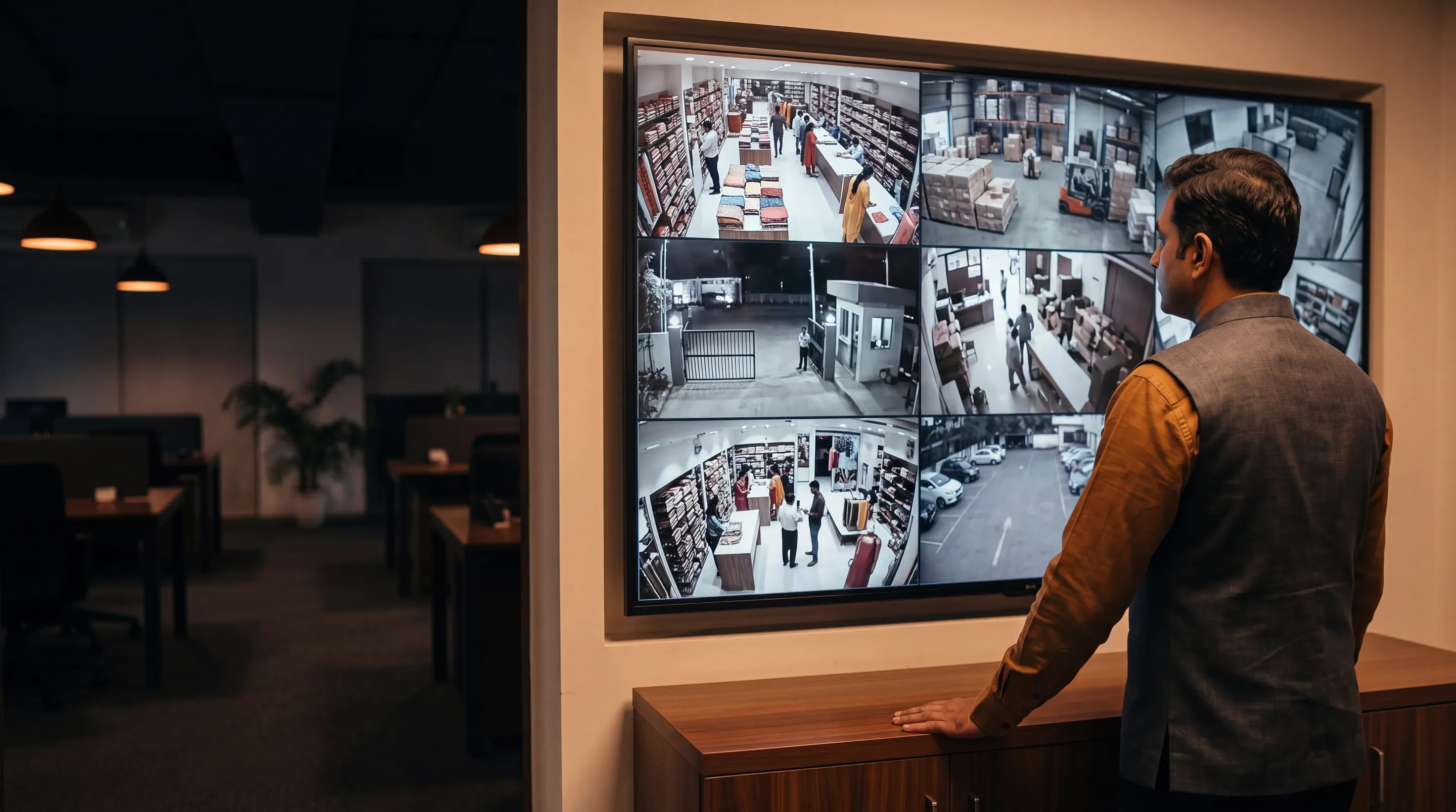
All your cameras, on one screen
See the cameras at all your sites in one place, in your web browser. It works with the cameras you already have.
- One loginFor all your sites
- Works with your camerasNothing to replace
- Find footage fastIn minutes, not hours
- Runs in your browserNothing to install
Too many apps, too many logins
If you have cameras at more than one site, you probably use a different app or login for each.
Without Modernext VMS
- A different login for each location
- Different apps for different camera brands
- No quick way to see all sites at once
With Modernext VMS
- One login for all your sites
- The same screen for every site, 2 sites or 50
- Your saved camera views, one click away
What you can do with it
The things your team does every day.
Watch live
Group your cameras by floor, building or shift. Save the views you use every day.
Camera tour
One screen shows your cameras one after another, on its own. No one needs to click.
Play back recordings
Go back to any time of the day. Preview the footage quickly before you watch it in full.
Search one area
Mark a door, an aisle or a loading bay. See only what moved there, without watching hours of video.
Talk through a camera
If a camera has a speaker, you can talk through it. For example, to a delivery driver at the gate, or to someone in the yard at 2 AM.
Manage it yourself
Add a camera, name it and put it in a group. You do not need to wait for us.
You always know if a camera is working
See when a camera did not record
Many systems just show nothing, so you think nothing happened. Modernext VMS shows you when a camera was not recording.
Honest about what it does not know
If we have not heard from a camera, it says so. It is never shown as working when we do not know.
2 sites or 50, it works the same way
All sites in one view
Move between sites without logging out. Or see them all together.
Access for your team
Each person sees only the sites they look after.
Works with our monitoring
Add our monitoring service and trained operators watch the same cameras at night.
Each part of Modernext VMS, on its own page
Watch Cameras Live in One Screen
Put your cameras in groups by floor, building or shift, and open the view you need in one click.
Camera Tour on One Screen
Choose the groups or sites you want to see, and one screen shows them one after another. No one needs to click.
Play Back CCTV Recordings in a Browser
Pick a camera and a time. The recording plays where you were watching live, and one click brings you back.
Search an Area of a Camera Picture
Draw a box around a door, an aisle or a loading bay, and see only the moments something changed there.
Talk Through a Camera
If a camera has a speaker, speak through it. For example, to a delivery driver at the gate, or to someone in the yard at 2 AM.
Camera Status and Health Wall
One screen shows how every camera is doing. A camera that is down stands out in red.
Many Sites on One Screen
One login for all your sites. Move between them without signing out, or see them together on one screen.
Every Event in One List
Alerts, detections and motion for the cameras and the time you choose. Open any one and the recording plays.
Modernext VMS with Night Monitoring
Use Modernext VMS for the day. Add our monitoring and trained operators watch the same cameras at night, up to 11 PM to 6 AM.
The apps
Your cameras and events on your phone.
Downloads
Documents you can keep and share.
See it on a free demo
Have cameras at more than one site? We will show you Modernext VMS live. It is free and there is no commitment.