

Managing Security Across Multiple Locations: How a VMS + Night Monitoring Covers Every Site
Running one location is hard enough to keep secure. Running five, ten, or fifty multiplies the problem in a way single-site owners never face: every branch, warehouse, or outlet is its own set of cameras, its own recorder, its own blind spots — and every one of them sits empty and exposed after closing. You cannot be at all of them, least of all at 2 AM. A Video Management System promises to pull every site into one screen, and that helps. But a screen you are not watching protects nothing. This is about what it actually takes to keep every location safe at night, not just visible.
Why Multiple Locations Multiply the Risk
When you add a location, you do not just add cameras — you add a whole new after-hours vulnerability. Each site closes, empties, and goes dark on its own schedule. Each has its own weak points: a back shutter here, an unlit yard there, a stockroom somewhere else. And the security at each tends to be inconsistent, because it was set up locally, at different times, by different people, to different standards.
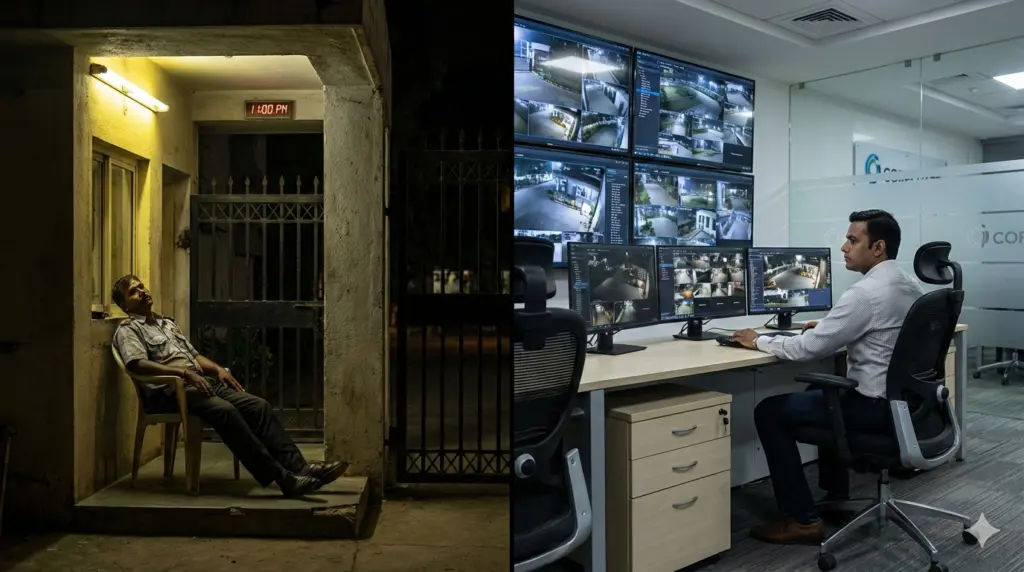
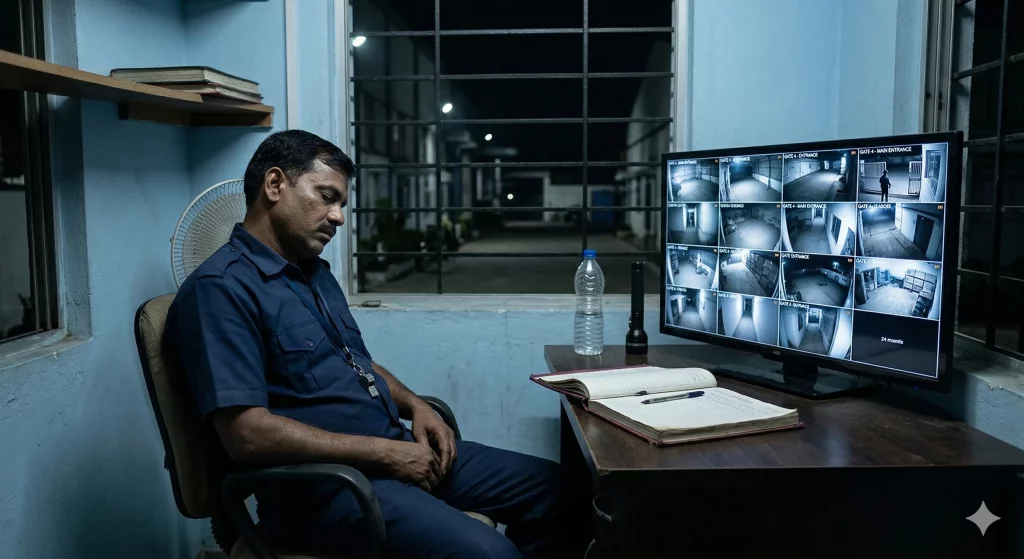
The owner or the operations head cannot personally watch over any of it once everyone goes home. The instinct is to put a guard at each site, but that scales badly: the cost multiplies with every location, and you are still relying on one tired person per site to stay alert through the night — the exact setup that fails most reliably. More locations should not mean more places where nobody is really watching. Too often, that is precisely what it means.
The multi-site blind spot:
A thief targeting a chain does not need to beat your best-protected branch. They look for your weakest one — the outlet with the broken light, the warehouse on the quiet road, the site everyone assumes is fine. With multiple locations, your security is only as strong as your least-watched site after dark. And usually, no one can tell you which site that is.
What a VMS Does — and Where It Stops
A Video Management System is the software layer that pulls the camera feeds from all your locations into one place. Instead of logging into a different recorder for each site, you get a single, unified view — every branch, every camera, one screen. For a multi-location business, that is a genuine step up from juggling separate DVR apps for every outlet.
But a VMS is a management and viewing tool, not a security guarantee. It shows you everything; it does not watch anything. Pulling fifty sites into one screen does not change the basic fact that no person can stare at that wall of feeds through the night and catch the one that matters. The VMS has solved the access problem — you *can* see every site — while leaving the real problem untouched: at 2 AM, is anyone actually watching, and will anyone act? Centralised visibility is not the same as centralised protection.
The Real Gap: Nobody Is Watching Any of Them at Night
Here is the honest state of most multi-location security after closing. The cameras at every site are recording. The VMS, if there is one, is faithfully aggregating all those feeds. And not a single one of them is being watched by anyone. The footage is being captured for later — to review after a break-in, to hand to the police, to file with the insurer. None of that stops the loss.
Multiply that across every location and every night of the year, and you have a business quietly betting that nothing happens at any of its sites while everyone sleeps. For a while, that bet holds. Then it does not — usually at the weakest, least-watched site.
VMS + Night Monitoring: Covering Every Site, Every Night
The combination that actually protects a multi-location business is centralised video plus centralised monitoring: the feeds from every site brought together, and trained operators watching them through the night, wherever those sites are. The VMS handles the “see everything from one place”; professional monitoring handles the “someone is actually watching, verifying, and responding.”
At Modernext, technology does the tireless first pass across every camera at every location, so nothing is buried in a wall of feeds, and trained operators focus on what looks wrong at whichever site it appears. A quiet night at nine of your ten locations does not distract from the one where someone is testing a back shutter. When a genuine threat is confirmed, the response goes out for that specific site immediately, and the incident is documented and reported to you through the Modernext app — so you know exactly which location, what happened, and what was done, without visiting any of them. Coverage becomes consistent across your whole footprint, instead of depending on which site happened to have the better local guard.
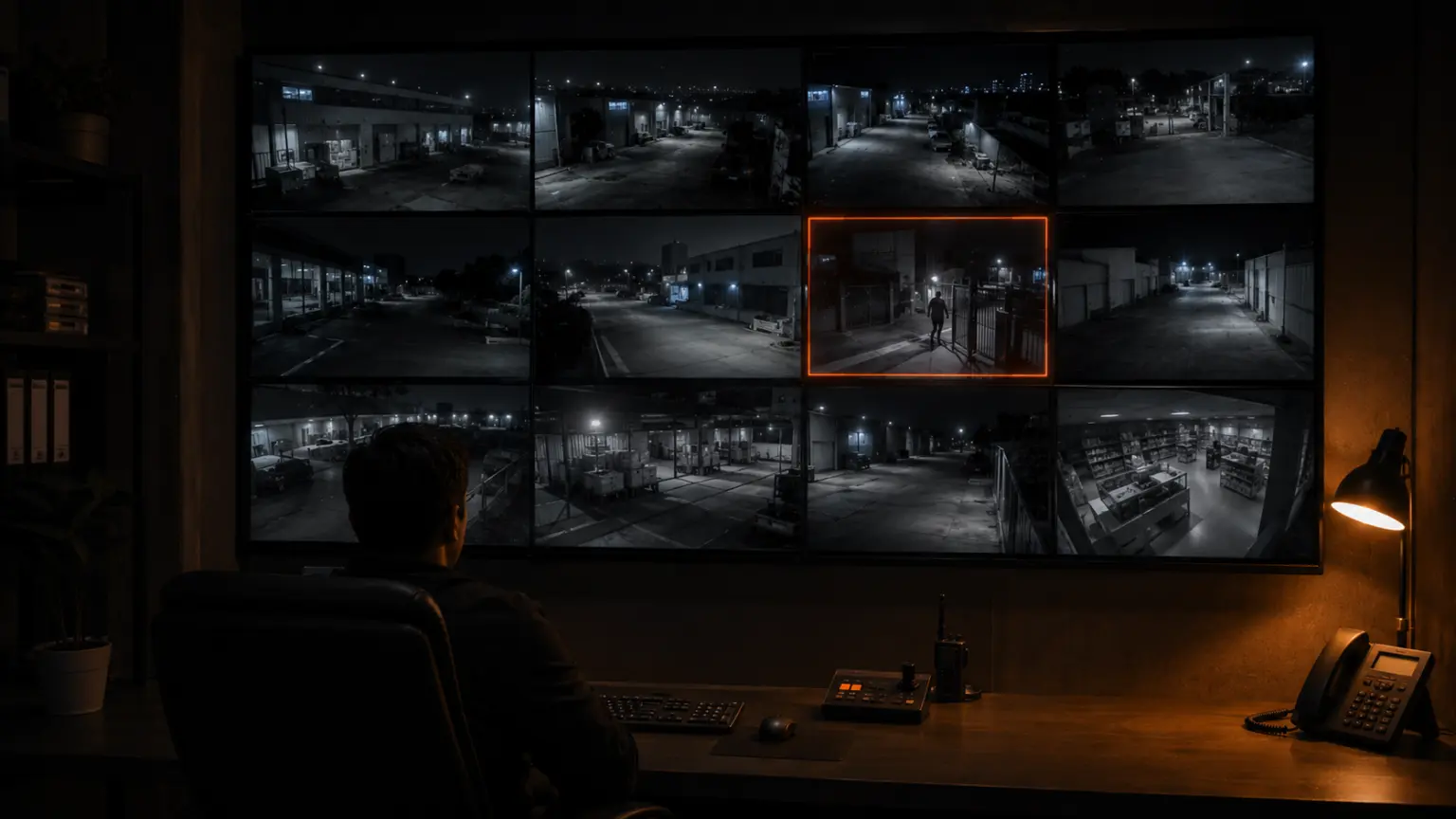
A real night across two sites: It is 2:35 AM. Warehouse A on the main road is quiet. Warehouse B, on a poorly lit lane the owner rarely visits, is where a figure is now working at the side gate. With separate recorders and no one watching, this would surface as a loss at Warehouse B the next morning — and nobody would have thought to check that site. Instead, the moment is caught at Warehouse B specifically and surfaced within seconds, an operator confirms it is not staff, a response goes out for that location, and the owner has a clear record by morning identifying exactly which site and what happened. Both sites were covered by the same watching layer. The weaker one did not become the sacrifice.
You Don’t Need Matching Systems at Every Site
Multi-location owners often assume unified monitoring means standardising every site onto one expensive new system — a project so large it never happens. It does not have to work that way. Modernext works with the cameras and the DVR or NVR each site already has, whatever brand or vintage they are. At each location, a single small device is added near the existing recorder, using the power and network already there, with no rewiring and no replacing of working equipment.
That also makes growth simple. When you open a new location, you are not rebuilding its security from scratch — you extend the same monitoring layer to it. Every new site joins the same coverage, the same reporting, the same standard, from day one.
The Cost Logic for a Multi-Site Business
Guards do not scale kindly. Each site needs its own, every night, and the bill grows in a straight line with every location you add — while the coverage each guard provides stays limited to one point at one site. Centralised night monitoring works the other way: one watching layer covers every location at once, through the night, without a proportional jump in cost for each new site. For a chain, that is often the difference between security that is affordable across the whole footprint and security you can only justify at your flagship. The CCTV monitoring cost guide breaks the numbers down, and how to choose a monitoring service covers what to ask a provider.
A Checklist for Multi-Location Owners
- Do you know your weakest site after dark — or are you assuming all locations are equally protected?
- Is anyone watching any location overnight, or are all sites only recording for later review?
- Is your coverage consistent across every site, or does it depend on local setup at each one?
- When something happens at one site, will you know which one — and how fast?
- Does adding a new location mean rebuilding its security, or extending what you already have?
- Is your security cost scaling in a straight line with every new site, or staying sensible as you grow?
Frequently Asked Questions
Is a VMS enough to secure multiple locations?
A VMS centralises the video from all your sites into one view, which is genuinely useful, but it only lets you see the feeds — it does not watch them or respond. Securing multiple locations overnight requires that unified view to be paired with trained operators actively monitoring every site, verifying threats, and responding in real time.
Do all my locations need the same cameras or recorder?
No. Modernext works with the existing cameras and DVR or NVR at each site, whatever the brand or age. A small device is added near each recorder using the power and network already there — no rewiring and no standardising every site onto one new system.
When a site has an incident, how do I know which one?
Verified incidents are documented and reported through the Modernext app, identifying the specific location, what was detected, when, and how it was handled — so you have a clear per-site record without having to visit or check each location yourself.
Does this get more expensive with every new location?
Not in the way guards do. One centralised monitoring layer covers every site at once, so adding a location extends the same coverage rather than requiring a full new setup and a proportional jump in cost. It is designed to scale with a growing business.
One watching layer for every site you run.
Modernext monitors every one of your locations through the night — on the cameras each site already has — so your weakest branch stops being your biggest risk. See how it would work across your sites.