

What Is a Video Management System? A Plain-English Guide for Business Owners
If you run a business with CCTV, you have probably heard the term “VMS” from an installer or a security vendor — usually said as if you should already know what it means. You have cameras. You have a DVR or NVR in a cupboard somewhere. So what is a Video Management System, and do you actually need one? This guide explains it in plain English: what a VMS is, how it differs from the recorder you already own, what it does day to day, and how to tell whether your business has outgrown the basic setup.
What Is a Video Management System, in One Sentence?
A Video Management System is software that brings all your CCTV cameras into one place, so you can watch them, manage them, find footage, and get alerted when something happens — instead of juggling a separate recorder, app, or login for every camera and every location.
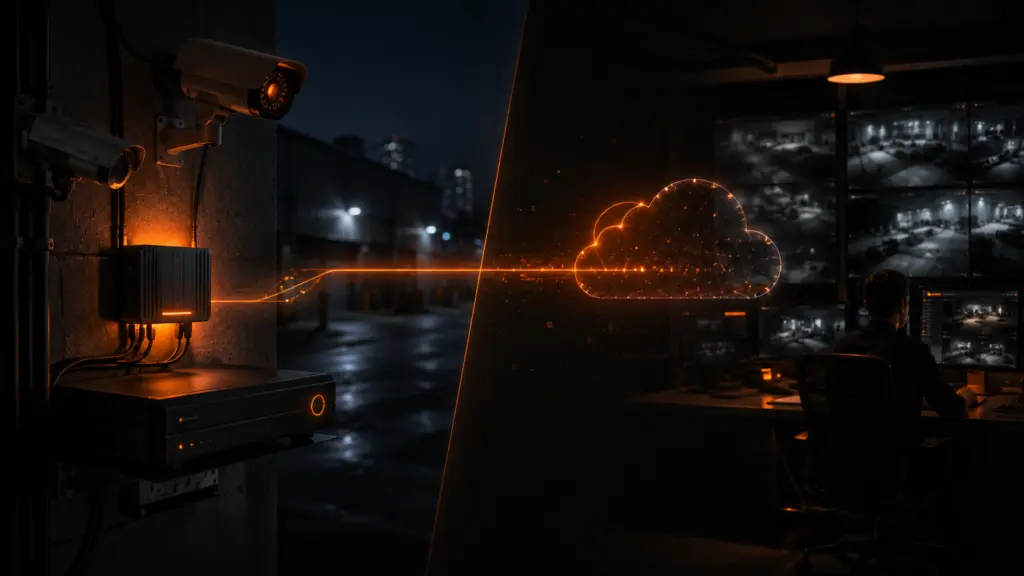
Think of your cameras as the eyes, your DVR or NVR as the memory that stores what they see, and the VMS as the control room that organises everything. The cameras and recorder capture and store. The VMS is what makes all of that usable.
VMS vs DVR/NVR: What’s the Difference?
This is where most of the confusion comes from, because a DVR or NVR also lets you see your cameras. The difference is in what each one is built to do.
A DVR or NVR is a recorder. Its main job is to take the feeds from the cameras connected to it and save them to a hard disk. Most come with a basic viewing screen and a mobile app. For a single shop with a handful of cameras, that can be enough.
A VMS sits on top of your recorders. It pulls together feeds from many cameras — and often many recorders and locations — into one organised system. It adds things a recorder alone handles poorly: managing who can see which cameras, knowing instantly when a camera goes offline, finding a specific moment in hours of footage, and alerting you to events rather than making you scroll through recordings after the fact.
The simple way to remember it:
Your recorder stores video. A VMS manages it. You don’t replace your DVR or NVR with a VMS — the VMS works alongside it and makes everything the recorder captures far easier to use.
What a VMS Actually Does, Day to Day
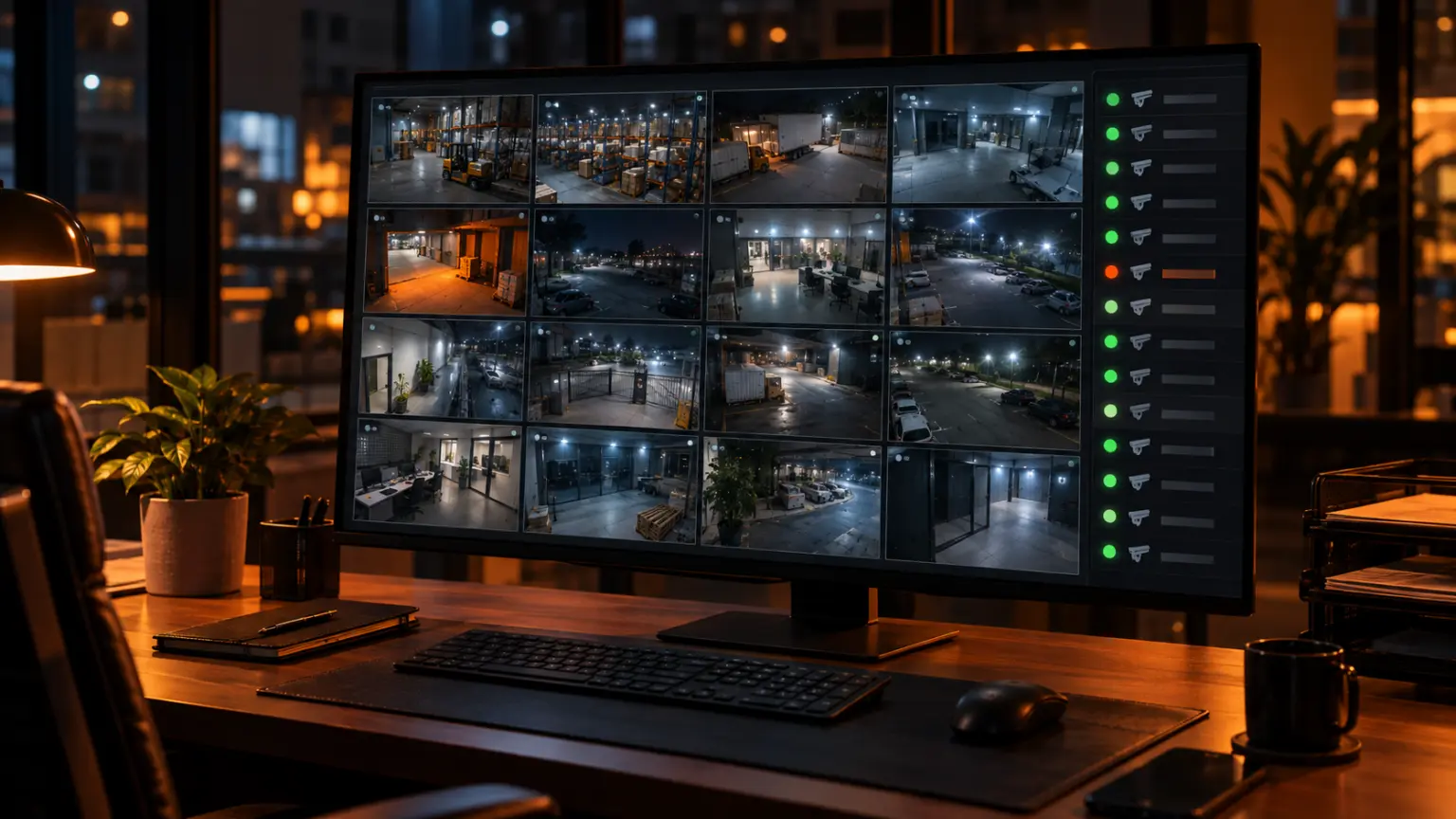
Shows every camera in one place. Instead of opening a different app for each recorder, you see all your cameras — across one site or several — on a single screen, live.
Lets you manage everything centrally. Add cameras, organise them by location or area, and control the whole system from one point rather than walking up to each recorder.
Gives you remote access. Check your premises from your office, from home, or while travelling, without depending on a patchy manufacturer app for each device.
Controls who sees what. The owner sees everything. A branch manager sees only their branch. A staff member sees only the cameras relevant to their job. Access is decided by you, not shared through one common password.
Tells you when a camera stops working. This one sounds minor until it saves you. Most businesses discover a dead camera only after an incident, when they go to pull the footage and find the camera had been offline for weeks. A camera health check flags it the moment it happens, so you can fix it before the night it matters.
Makes footage easy to find. Recording management and playback let you jump straight to the moment you need instead of scrubbing through eight hours of video on a small DVR screen.
Alerts you to events. More advanced systems can detect motion, a person loitering in a sensitive area, or specific objects, and raise an event — so the system tells you something happened rather than you finding out from the footage the next day.
Produces reports. A record of camera status, events, and activity over time, useful for audits, insurance, and keeping an eye on how well your system is actually performing.
Does Your Business Need a VMS?
Not every business does. A small shop with four cameras and one recorder can often manage with the recorder’s own app. But you have probably outgrown that setup if any of these sound familiar:
- You have more cameras than one screen can sensibly show, or more than one recorder.
- You run more than one location — branches, warehouses, outlets, or project sites.
- Several people need access, and you want control over who sees which cameras.
- You have found a dead camera only after something went wrong.
- Finding footage after an incident takes hours instead of minutes.
- You want to be alerted to events, not discover them in the recording the next morning.
If you run multiple sites, our guide to managing security across multiple locations goes deeper on why a central view matters so much.
Modernext VMS: Basic and Advanced
Modernext offers its own Video Management System in two levels, so you can start with what you need and step up when your business does.
VMS Basic is about visibility and control: live viewing of all your cameras in one place, centralised management, remote access, user management so the right people see the right cameras, and a camera health check so you know the moment a camera goes offline. It suits businesses that mainly want to see and manage their cameras properly, without the clutter of separate apps.
VMS Advanced adds everything you need to act on what your cameras capture: recording management and playback to find footage quickly, event management, and smart detection for motion, loitering, and objects — along with more detailed reports. It suits businesses that want the system to flag what matters instead of relying on someone to spot it.
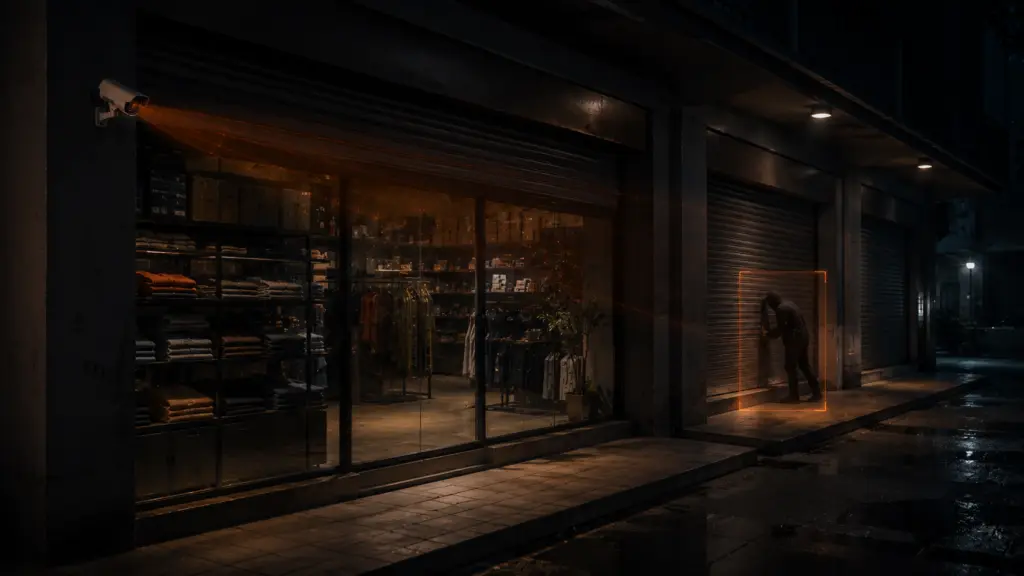
What the difference looks like in practice: A distributor runs three godowns. On the old setup, each godown had its own DVR and app, and the owner checked them only when something went wrong. With VMS Basic, all three godowns appear on one screen, and when the camera covering the loading bay at the second godown goes offline on a Tuesday, the owner knows that afternoon — not weeks later after a theft. With VMS Advanced, the system also flags a person lingering near the rear shutter after closing as an event, with the clip ready to play back, instead of the owner discovering it while scrolling through a night’s recording.
What a VMS Doesn’t Do on Its Own
A VMS makes your cameras far easier to see, manage, and search. Advanced detection can tell you when something happens. But at 2 AM, an alert still needs someone awake to look at it and decide what to do. For most business owners, that someone is asleep.
That is the gap Modernext’s night-time monitoring service covers. Trained operators watch your cameras through the night, verify what is genuine, and respond while it is still happening, with incidents reported to you through the Modernext app. The VMS gives you control over your system; night monitoring makes sure someone is acting on it when your premises is empty. If you are weighing up monitoring providers, our guide on how to choose a CCTV monitoring service covers what to ask.
How to Choose the Right Setup
A few honest questions will point you to the right level:
- Do you mainly need to see and manage your cameras? VMS Basic covers that.
- Do you need to find footage fast and be alerted to events? VMS Advanced is the better fit.
- Is your premises empty and exposed overnight? Add night-time monitoring so someone is watching when you are not.
Frequently Asked Questions
Is a VMS the same as a DVR or NVR?
No. A DVR or NVR is a recorder that stores footage from the cameras connected to it. A VMS is software that brings cameras and recorders together into one organised system for viewing, management, playback, and alerts. A VMS works alongside your recorder rather than replacing it.
Do I need to buy new cameras to use a VMS?
Modernext works with the cameras and recorders businesses already have, so in most cases there is no need to replace a working CCTV setup. Talk to us about your current cameras and we will tell you exactly what is needed.
What is the difference between VMS Basic and VMS Advanced?
VMS Basic covers live viewing, centralised management, remote access, user management, camera health checks, and basic reports. VMS Advanced adds recording management, playback, event management, motion, loitering, and object detection, and advanced reports.
Does a VMS replace professional monitoring?
No — they do different jobs. A VMS gives you control and visibility over your cameras, and the advanced version can flag events. Professional night monitoring adds trained operators who watch, verify, and respond overnight when nobody at your business is awake to act on an alert.
Smarter surveillance. Stronger security.
Find out whether VMS Basic, VMS Advanced, or night-time monitoring is the right fit for your business. Tell us about your cameras and sites, and we will walk you through it.