


Finding Footage Fast: Why Searching a DVR After an Incident Takes Hours
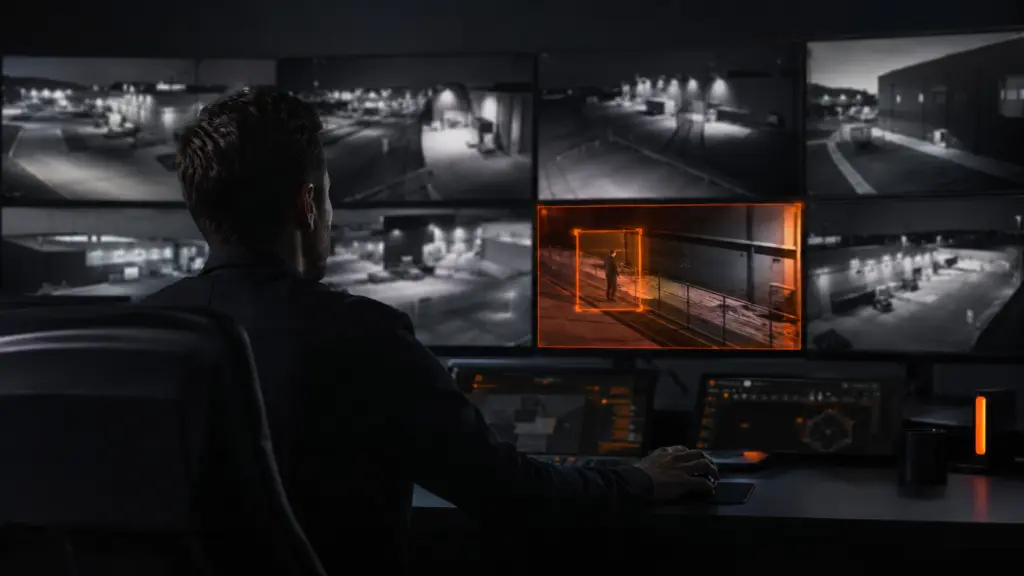
It is Monday morning and a carton of stock is missing from the godown. Someone needs to check the CCTV. So the manager sits down at the DVR with its small monitor and its slow mouse, picks the first camera, and starts scrolling through Saturday evening. Then Sunday. Then the next camera. By lunchtime he has looked at a fraction of the footage, the police want to know the exact time, and nobody is running the godown. This happens in businesses across India every week. Here is why searching a DVR after an incident takes so long, what it really costs you, and what makes the right footage quick to find.
Why Searching a DVR Takes Hours
You rarely know when it happened. A loss discovered on Monday could have happened any time since Saturday evening. That is a window of thirty-six hours or more, and every hour of it has to be checked.
You have to check every camera. Twelve cameras across thirty-six hours is over four hundred hours of footage. Even at high speed, that is a full day’s work, and fast-forwarding is exactly how a two-minute event gets missed.
The DVR itself is slow. A small screen, a basic mouse, a timeline that jumps in awkward steps, and playback that stutters when you speed it up. Recorders are built to record, not to make searching easy.
You have to be standing in front of it. On most setups, serious playback means being at the recorder. If the recorder is at the godown and the owner is at the office, someone has to drive over.
The clock is often wrong. Power cuts and old settings leave many DVRs showing the wrong date or time. When the recording says 4:10 AM but it was really 2:40 AM, every timestamp you give the police is off, and matching footage to other evidence becomes guesswork.
Several sites means several recorders. If you run more than one location, each with its own DVR or NVR, every search starts again from scratch at each one.
The two discoveries that hurt most:
After hours of searching, many owners find one of two things. Either the camera that should have caught it had stopped working weeks ago and nobody noticed, or the recorder had already overwritten the footage because its hard disk only holds a few days. Both turn a long search into no evidence at all.
What a Slow Search Really Costs
- Staff time: a manager or supervisor taken away from the business for hours, sometimes days.
- A slower police complaint: without a clear time and clip, the complaint is vaguer and the trail goes cold.
- A weaker insurance claim: insurers want to know exactly what happened and when.
- Lost evidence: every day of searching is a day closer to the recorder overwriting the footage you need.
- Unresolved suspicion: when you cannot find what happened, staff, drivers, and vendors all stay under a cloud.
What Makes Footage Fast to Find
Quick searches come down to a few things: knowing when something happened instead of guessing, seeing all your cameras in one place, being able to play back from wherever you are, correct timestamps, footage that is kept long enough, and confidence that every camera was actually recording. A basic DVR gives you very few of these. A Video Management System is built around them.
How Modernext VMS Advanced Shortens the Search
Modernext VMS Advanced includes recording management and playback, so finding and replaying footage is part of the system rather than a chore on the recorder’s own screen. Its event management saves every alert as an event, with the time, the camera, and the clip, so you start from a short list of moments that matter instead of hours of empty footage. Motion, loitering, and object detection decide which moments become events in the first place; we explain each of these in Smart Alerts Explained.
Because VMS Advanced also includes everything in VMS Basic, you get remote access to search from the office or from home, centralised management of every camera and site in one place, and a camera health check that tells you when a camera stops working, so you do not discover a dead camera in the middle of an investigation. If you are new to the idea, start with What Is a Video Management System?
The same Monday morning, two ways: A hardware distributor finds a carton of fittings missing from the stockroom. On the old setup, the manager spends the day at the DVR going through twelve cameras from Saturday evening onwards, and by four o’clock has found nothing, partly because the stockroom camera turns out to have been offline since the previous week. With VMS Advanced, the owner opens the event list from his office. There is one event overnight on Sunday: a person at the stockroom door at 1:12 AM. He plays the clip, sees what happened, and has an accurate time to give the police, all before his first cup of tea is finished. And because the camera health check had flagged the stockroom camera when it went offline, it had been fixed in time to record.
Five Things to Do Even With a Basic DVR
If you are not ready to change your setup, these will still make your next search faster:
- Check the date and time on your recorder every month, and after every long power cut.
- Find out how many days your recorder keeps. Look at the oldest recording available today; that is roughly how long you have to act after any incident.
- Save the clip the same day. As soon as you find the moment you need, copy it off the recorder before it is overwritten.
- Name your cameras clearly, such as “Stockroom door” or “Rear shutter”, not “CH 07”.
- Look at every camera once a week. A quick glance at each feed catches the dead camera before you need it.
Better Than Finding It Fast: Catching It as It Happens
Finding footage quickly is valuable, but it is still finding out after the stock is gone. For the hours when your premises is empty, Modernext’s night-time monitoring service puts trained operators on your cameras through the night, so that someone at your stockroom door at 1 AM is caught while it is happening, and a response goes out before anything is taken. If you are weighing up providers, our guide on how to choose a CCTV monitoring service covers what to ask.
Frequently Asked Questions
Why does it take so long to find footage on a DVR?
Usually because nobody knows exactly when the incident happened, so many hours of footage across several cameras have to be checked, on a recorder with a small screen and slow playback that often has to be operated in person.
How long does a DVR keep footage?
It depends on the size of the hard disk, the number of cameras, and the recording quality. Many business recorders keep somewhere between a few days and a few weeks before the oldest footage is overwritten. The quickest way to check yours is to look for the oldest recording available today.
Why is the time on my CCTV recording wrong?
Recorders can lose or drift their time after power cuts, or may never have been set correctly. Check the date and time regularly and correct it, because wrong timestamps make footage much harder to use as evidence.
Does a VMS replace my DVR or NVR?
No. A VMS works alongside your recorders and makes everything they capture easier to view, manage, and search, including playback and events in VMS Advanced.
Stop losing your mornings to the DVR.
See how Modernext VMS Advanced turns hours of searching into minutes, and how night-time monitoring catches incidents before you have to search at all. Tell us about your cameras and sites.