

Who Should See Which Cameras? Setting Up CCTV Access for Owners, Managers and Staff
Ask most Indian business owners who can see their CCTV cameras, and the honest answer is “I’m not sure.” The installer set up one password for the DVR. That password went to the owner, then the manager, then the supervisor, then a nephew who helps out on Sundays. The mobile app is logged in on phones that belong to people who left the business a year ago. Nobody is being careless on purpose. It just happens, one convenient share at a time. This guide covers why that matters, who in a typical business actually needs to see which cameras, and how to set access up properly without making life harder for anyone.
Why CCTV Access Is a Security Problem, Not Just an Admin One
It is easy to think of camera access as a housekeeping matter. It is actually one of the quietest risks in your whole security setup, for four reasons.
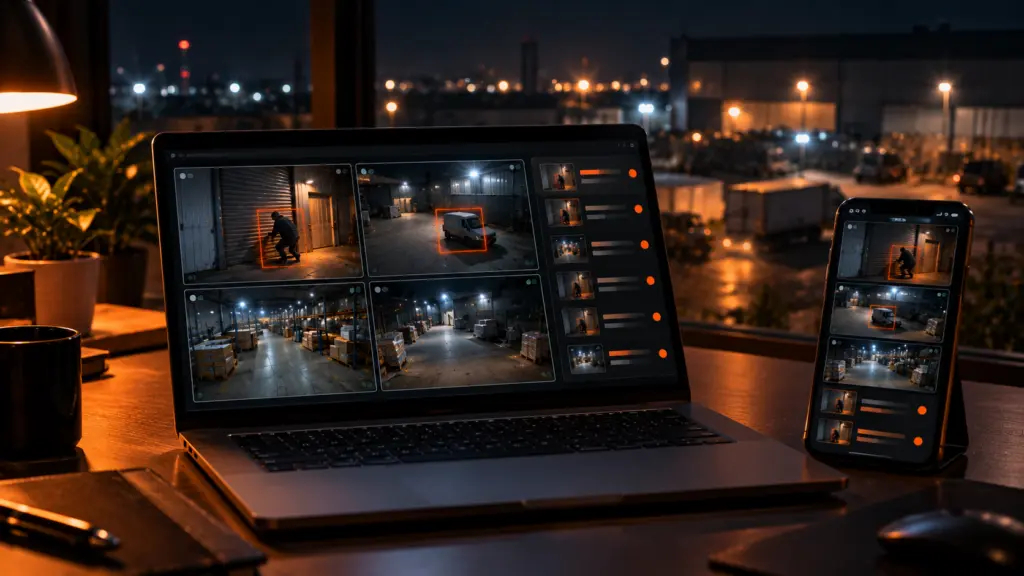
Your cameras show exactly how to rob you. Live access tells someone when the premises is empty, when the guard leaves his post, where the cameras point, and which corners they miss. In the wrong hands, your own CCTV is a planning tool.
Former staff keep access longer than you think. When someone leaves on bad terms, their phone still has the app and the shared password still works. Unless someone changes it, they can watch your premises from anywhere, for as long as they like.
Footage is personal. Your cameras record staff, customers, visitors, and neighbours. Clips forwarded on WhatsApp travel far beyond the business, and once they are out, they are out. India’s Digital Personal Data Protection Act, 2023 and its Rules, notified in November 2025, are being phased in, with most obligations due to apply from 2027. How they apply to your CCTV footage is worth checking with your legal adviser, but limiting who can see footage makes sense regardless.
A shared password means no accountability. If ten people use the same login and a clip gets deleted or leaked, there is no way to know who did it. We cover the technical side of this, including default installer passwords, in our guide to CCTV cybersecurity.
A simple test:
Write down every person who can see your cameras right now, including anyone with the app on their phone. If you cannot complete the list with confidence, or it includes anyone who no longer works for you, your access needs fixing.
Who Actually Needs to See What
The principle is simple: everyone gets the access their job needs, and nothing more. In practice, most businesses fall into a handful of roles.
| Role | Usually needs | Usually does not need |
|---|---|---|
| Owner / director | All cameras at all sites, playback, and control over who else has access | To share their own login with anyone |
| Branch or site manager | Live view and playback for their own branch or site | Other branches, or the owner’s cabin and cash areas unless their role covers them |
| Security supervisor / guard | Live view of gates, entrances, perimeter, and parking | Office interiors, cash counters, or the ability to delete footage |
| Accounts / cash handling | Often nothing, or playback of the cash counter when reconciling a dispute | Live view of the rest of the premises |
| General staff | Usually no access at all | The app on their phone “just in case” |
| Installer / service technician | Temporary access for the duration of the job | A permanent login, or the master password |
Some cameras deserve extra care whatever the role: the cash counter, the owner’s cabin, the stockroom holding your highest-value goods, and any camera that shows staff areas. These should be visible to as few people as possible.
How It Usually Goes Wrong
Consider a retailer with three stores. A store supervisor is let go in August after a dispute. Nobody thinks about the cameras: he still has the app on his phone, and the shared password has not changed since installation. Over the following weeks he can see, from home, exactly what time the last staff member locks up, that the guard leaves at 11 PM on Sundays, and that the camera on the rear door points slightly too high. Three weeks later, that store is broken into through the rear door late on a Sunday night. The footage shows the people involved, but it also shows that they knew precisely where to stand.
Now the same story with proper access. The supervisor had his own login covering only his store. On the day he left, the owner removed it in a few seconds. His phone app stopped working that afternoon. Nothing else about the business changed.
Six Rules for Setting Up CCTV Access
1. Give every person their own login. No shared passwords. One person, one account. It is the only way to know who saw or did what.
2. Give the least access the job needs. A branch manager sees their branch. A guard sees the gates. Start with nothing and add only what is needed.
3. Treat watching, playback, and deleting as different permissions. Many people can safely watch a live gate camera. Far fewer should be able to scroll back through history, and almost nobody should be able to delete footage.
4. Remove access the day someone leaves. Make it part of your exit routine, alongside collecting keys and the ID card.
5. Change the installer’s default password. Many systems are still running on the password set on installation day, sometimes a well-known default. Change it, and keep the master login with the owner.
6. Review the list every few months. People change roles and contractors come and go. A quick look at who has access, once a quarter, catches what slipped through.
Why a Basic DVR Makes This Hard
If these rules sound sensible but impractical, that is usually because of the equipment, not the people. A typical DVR or NVR is built around one admin password and a mobile app that everyone logs into with the same credentials. Giving a branch manager their own access to only their cameras, or removing one person without changing the password for everyone, is awkward or impossible. With several sites, each with its own recorder, it gets worse.
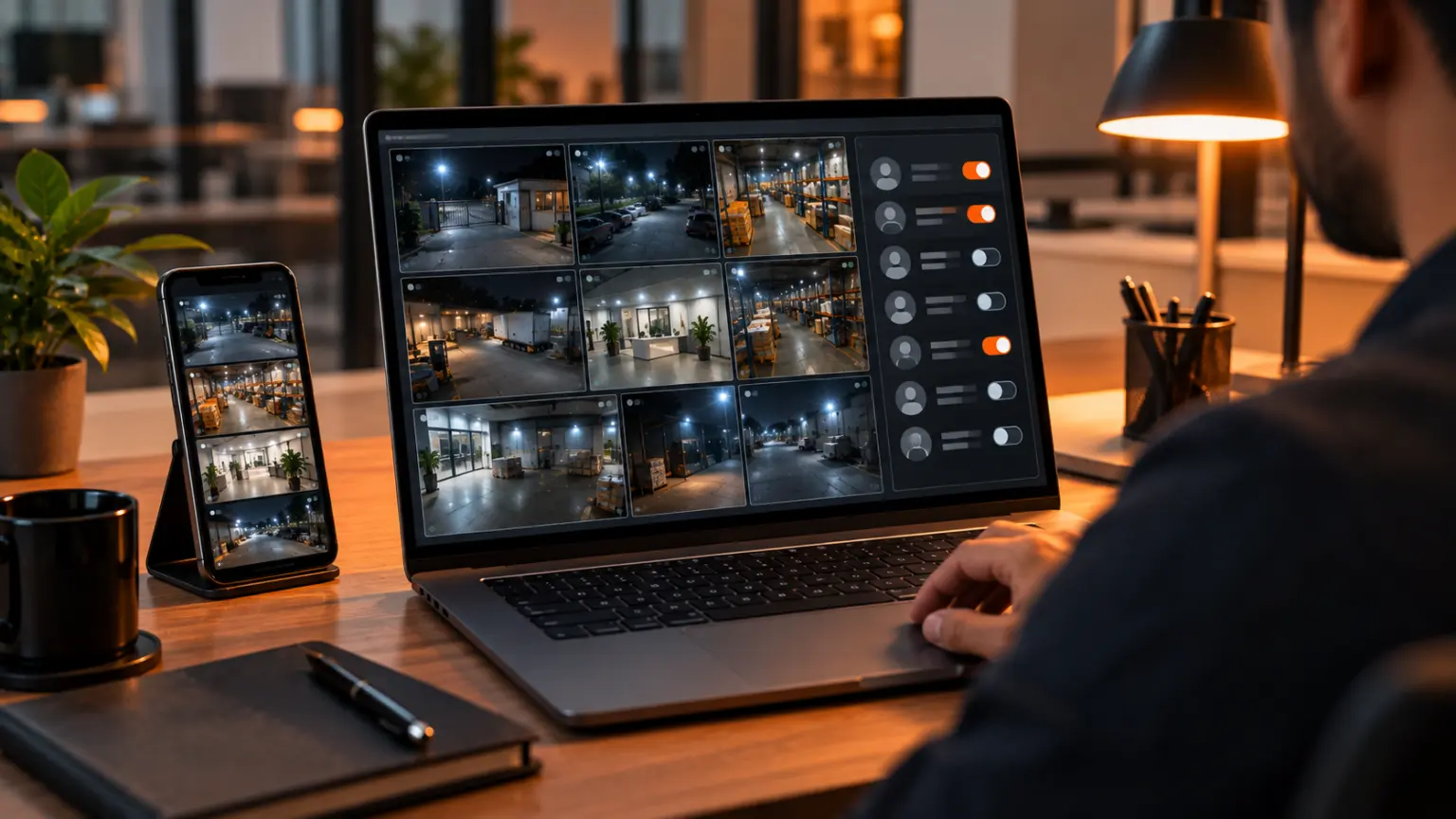
This is exactly what a Video Management System is for. It brings all your cameras and sites into one place, and user management lets you decide who sees what from a single screen. Modernext VMS Basic includes user management alongside live viewing, centralised management, remote access, and camera health checks, so the owner stays in control of access across every location. If you are new to the idea, start with our plain-English guide: What Is a Video Management System? If you run several branches, see managing security across multiple locations.
And at Night?
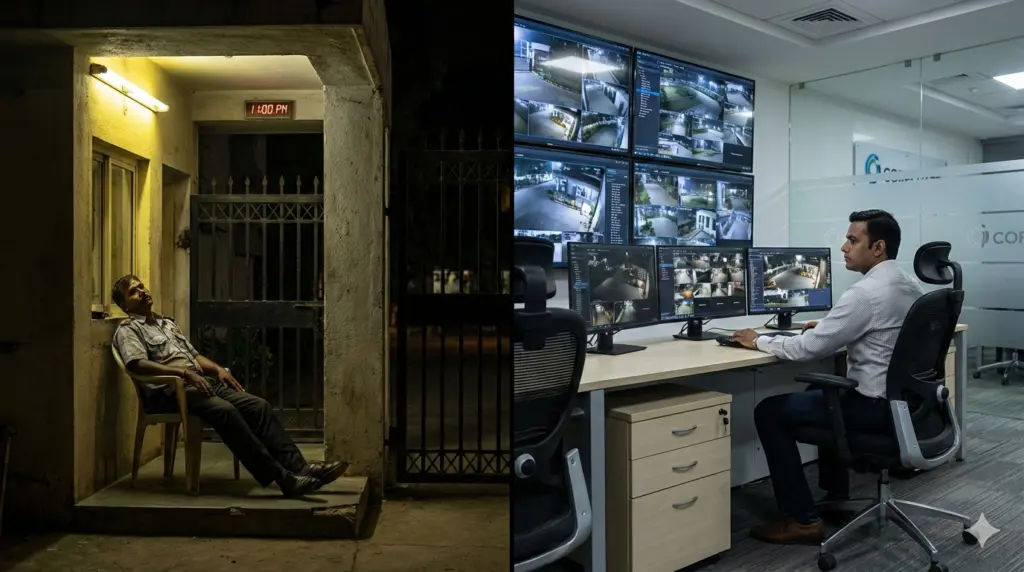
Access control decides who can see your cameras. It does not decide whether anyone is actually watching them at 2 AM, when the premises is empty and every person on your access list is asleep. That is what Modernext’s night-time monitoring covers: trained operators watching your cameras through the night, verifying what is genuine, and responding while it is still happening, with every incident reported to you through the Modernext app.
A Quick CCTV Access Checklist
- Can you list everyone who can see your cameras today?
- Does every person have their own login, or is one password shared?
- Has the installer’s default password been changed?
- Are sensitive cameras (cash counter, owner’s cabin, stockroom, staff areas) restricted to as few people as possible?
- Can only a very small number of people delete footage?
- Is removing camera access part of your exit routine when someone leaves?
- When did you last review who has access?
Frequently Asked Questions
Who should have access to CCTV cameras in a business?
Only the people whose job needs it, and only to the cameras that job involves. Typically the owner sees everything, branch managers see their own branch, guards see gates and the perimeter, and most staff need no access at all.
Is it a problem if staff share one CCTV password?
Yes. A shared password means you cannot tell who viewed, downloaded, or deleted footage, and you cannot remove one person without changing the password for everyone. Each person should have their own login.
What should I do with CCTV access when an employee leaves?
Remove their access on their last day, the same way you collect keys and ID cards. If your system only has a shared password, change it immediately.
Can a VMS give different people access to different cameras?
That is one of its main jobs. User management in a VMS lets the owner decide who can see which cameras and sites from one place, which is far harder to do on a basic DVR or NVR. Modernext VMS Basic includes user management.
Know exactly who can see your cameras.
Modernext VMS puts every camera and every site in one place, with access you control. Tell us about your cameras and locations, and we will show you how it would work for your business.