Trusted Data Environment: Why Video Quality Matters More Than Camera Count
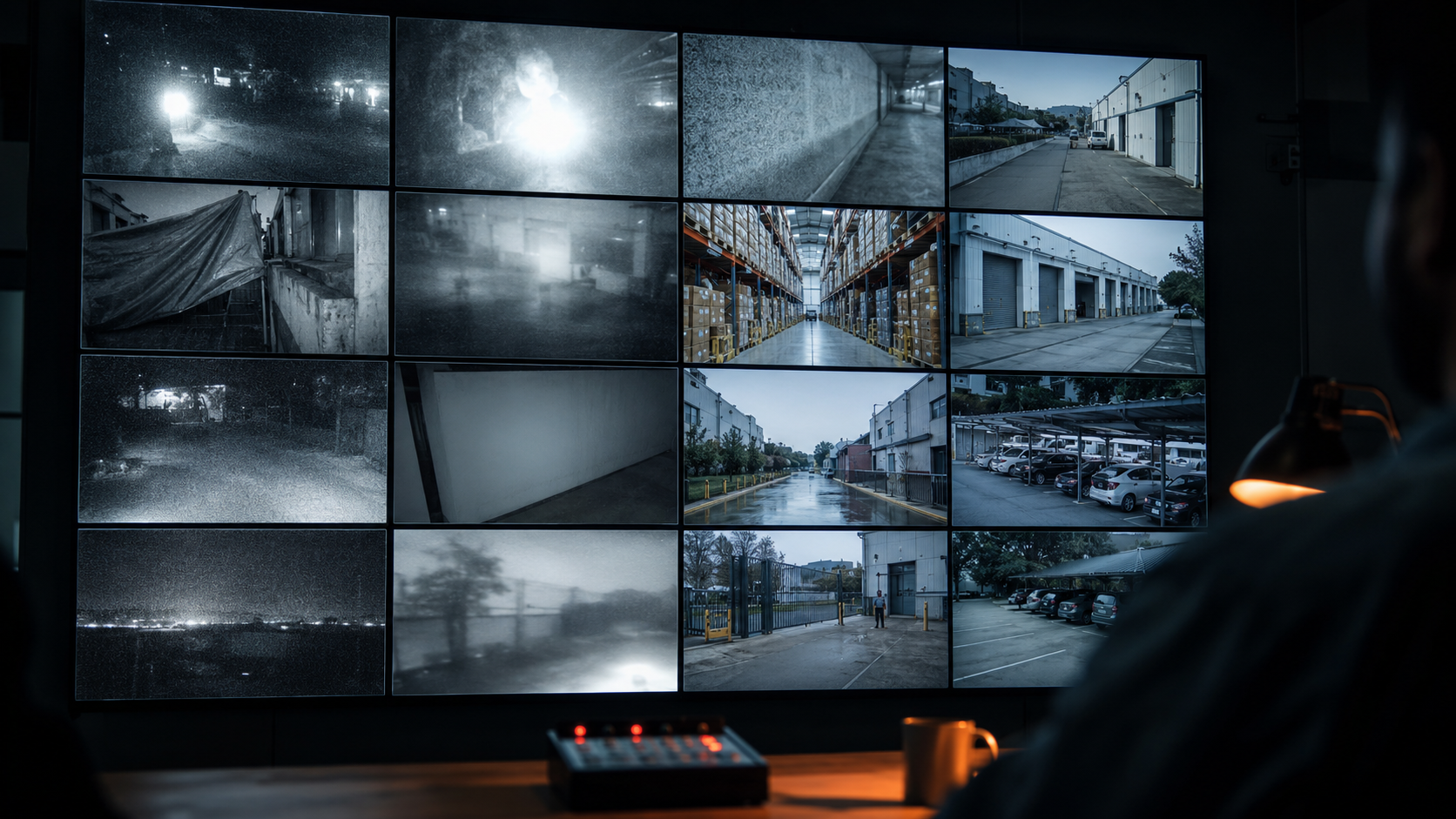
Most businesses count their cameras. Almost none audit their footage. Walk into a typical Indian factory, warehouse, or office and you will hear the same proud claim: “We have 32 cameras covering every corner.” But pull up the live feed and a different story emerges. Half the cameras face direct sunlight and wash out by noon. A few are pointing at the wrong angle. The night footage is grainy and blurred. The back wall camera is partially blocked by a tarpaulin. This is the difference between camera coverage and a trusted data environment — and in 2026, that difference decides whether your monitoring actually works.
What “Trusted Data Environment” Actually Means
Trusted data environment is a term gaining traction across the video surveillance industry in 2026, and it boils down to a simple idea: the value of a camera system depends entirely on whether the footage it produces is usable. Usable for human verification. Usable for AI-based detection. Usable for evidence. Usable for response decisions in real time.
A camera that is recording is not the same as a camera that is producing trustworthy data. A 4K resolution camera mounted incorrectly produces less actionable information than a properly placed 1080p camera. A 32-camera setup with bad lighting, dirty lenses, and wrong angles is functionally weaker than a 12-camera setup that has been thought through.
The core principle:
Surveillance is not about the number of cameras you own. It is about the quality of the visual information those cameras produce, the conditions they produce it in, and how reliably that information supports a security decision. Camera count is an input. Trusted footage is the output. Most businesses optimise the wrong end.
Problem 1: Visual Noise Breaks Detection
Visual noise is anything that makes it harder to identify what is actually happening in a frame. Low light grain, motion blur, lens flare, weather artifacts, heavy compression, dust on the housing, glare from a single overhead bulb. Each of these reduces the information density of your footage. And when information density drops, both human operators and AI analytics start making mistakes.
In an Indian context, the most common visual noise problems are:
- Low light grain — most outdoor cameras lose 60 to 80 percent of usable detail after sunset unless they have proper IR illumination
- Insect halos at night — IR cameras attract insects that fly close to the lens and create constant motion triggers
- Monsoon distortion — water droplets on the housing dome refract light and obscure entire portions of the frame
- Sun glare and washout — cameras facing east or west get blinded for hours every day
- Dust and cobweb buildup — uncleaned lenses lose contrast progressively over months
- Compression artifacts — DVRs set to maximum storage compression turn moving objects into blocky pixels
When footage is noisy, an operator watching live feeds may not even register that an intruder is approaching — the person blends into the grain. AI motion detection becomes useless because the entire frame is constantly being interpreted as motion. The system generates dozens of false alerts every night, and the operator starts ignoring them. The cameras are recording. The footage exists. But nothing about it is trustworthy.
Problem 2: Resolution Without Coverage Is Wasted
There is a measurement used by security professionals called pixels per foot (PPF) — sometimes pixels per metre. It tells you how many pixels of a camera’s resolution actually land on a target at a given distance. The further the target, the fewer pixels capture it, regardless of how high the camera’s resolution is on paper.
A 4K camera mounted 80 feet from your gate may produce only 20 pixels per foot on someone walking through that gate. At that density, you can tell a person is there. You cannot identify them. A 1080p camera mounted 15 feet from the same gate produces 60 to 80 pixels per foot — enough to read a number plate or identify a face. The cheaper camera, placed correctly, gives you more usable information than the expensive camera placed wrongly.
What you actually need at each distance:
Detection (something is moving): 20 to 25 pixels per foot
Observation (it is a person, not an animal): 40 pixels per foot
Recognition (we know this person): 50 to 60 pixels per foot
Identification (face is clear enough for evidence): 80 to 100 pixels per foot
Most installations capture less than 30 pixels per foot at the critical zones. That is detection-only quality. Useful for triggering alerts, useless for identifying anyone.
This is why the question “how many cameras do you have?” is the wrong question. The right question is: at each entry point, blind spot, and high-value zone, what pixel density do you actually achieve? Most businesses have never checked. Their installer mounted the camera high on a wall because that was the cleanest cable route, not because that was the right distance for the area being monitored.
Problem 3: Placement Mistakes Most Businesses Never Notice
Camera placement is where most installations quietly fail. The cameras work. The DVR records. The owner is happy with the count. But the angles, heights, and lines of sight are wrong in ways that only become obvious when an incident actually occurs and the footage is reviewed.
The most common placement mistakes we see across Indian businesses:
- Mounted too high — cameras placed at 12 to 15 feet capture the tops of heads, not faces
- Pointed at the sun — east and west facing cameras lose hours of usable footage every day
- Behind a beam or pillar — partial obstructions blocking the critical sightline
- Covering empty space — three cameras pointing at an unused storage corner, none on the loading bay
- Wrong field of view lens — wide-angle lenses used where a narrow lens would give better detail at distance
- No coverage of the actual breach points — gates and entries covered, but rear walls and ventilation gaps ignored
- Indoor cameras pointing at glass doors — reflections of internal lighting wash out the outside view at night
These mistakes are not random. They follow a predictable pattern: cameras get installed where it is easy to install them, not where they need to be. The contractor reuses the existing cable runs from a previous renovation. The decision is driven by convenience, not by a security plan. And five years later, the business owner discovers the back lane camera has been pointing at a wall the entire time.
Problem 4: The False Alarm Cascade
Untrusted footage produces false alarms. False alarms produce alert fatigue. Alert fatigue produces ignored alerts. Ignored alerts produce missed incidents. This is the cascade that quietly undermines most camera systems in India, and it is almost always rooted in the quality of the visual data being processed.
A typical scenario: a business installs motion detection on 16 cameras. Three of those cameras have low-light noise that the AI interprets as constant motion. Two more have foliage swaying in the wind in the foreground. One has insects flying near the IR illuminator at night. The system generates 200 to 400 alerts per night across all sites. By the end of the first week, whoever was receiving those alerts has stopped opening them.
How the cascade actually plays out:
Week 1: Alerts arrive constantly. Owner checks each one. 95 percent are false.
Week 2: Owner only checks alerts during business hours. Night alerts pile up unread.
Week 4: Notifications get muted on the phone. Email alerts go to a folder.
Month 2: Owner declares the system “too noisy” and disables motion alerts entirely.
Month 4: Pilferage happens at 3 AM. Footage exists. Nobody knew to look.
The fix is not better AI or more sensitive motion detection. The fix is trusted footage feeding into the detection system in the first place. Clean the lenses. Fix the IR illumination. Move the camera away from the swaying tree branch. Replace the camera that has 24-hour glare. Now the same AI generates 5 to 10 alerts per night instead of 300, and every one of them is worth looking at.
Problem 5: Storage Compression Quietly Destroys Footage
Most Indian businesses store CCTV footage on a DVR or NVR with a fixed disk size. To make 30 days of footage fit, the DVR compresses the video aggressively. The owner sees that footage is being recorded and assumes it is good. The problem only surfaces when an incident occurs and the saved clip is pulled up to show police or insurance — and the resolution is so degraded that nothing is identifiable.
Aggressive compression turns moving objects into blocky regions. A face that was clearly visible in the live feed appears as a smudge in the recorded clip. Number plates that could be read on the live monitor cannot be read in the archive. This is a trusted data environment failure that nobody notices until it matters most.
The fix is to either expand storage capacity so footage can be retained at a higher bitrate, or to be strategic about which cameras get full-quality recording and which get lower-bitrate retention. A camera at your front gate or cash counter needs to retain full quality. A camera in an empty corridor can store at a lower bitrate without losing anything you would actually need.
What a Trusted Data Environment Looks Like
The good news is that building a trusted data environment is rarely about buying more or replacing what you have. It is about a structured audit and a series of small fixes that compound into a much more reliable system.
A trusted data environment has these characteristics:
- Clean lenses — wiped on a regular cleaning schedule, not when someone remembers
- Correct height and angle — cameras placed for what they need to capture, not where the cable was easy to run
- Adequate lighting — IR or ambient light sufficient for the camera’s spec, especially at the rear and side perimeters
- Stable framing — no unstable mounts that vibrate from passing vehicles or wind
- Unobstructed sightlines — no foliage, tarpaulins, or temporary structures blocking the critical view
- Sun avoidance — cameras angled away from direct east and west sunlight at the times the area is busiest
- Reasonable compression — bitrate set to retain identifiable detail in the saved footage, not just the live feed
- Annual sanity check — someone actually pulls archived footage from a few weeks ago and confirms it is still usable
Notice that none of this requires new cameras. Most of it requires attention to what is already installed. The investment is process, not hardware.
A Quick Audit You Can Do This Week
If you want to know whether your current setup is producing trusted data, here is a 10-minute audit anyone can do:
Step 1: Open your live CCTV feed at 8 PM, 2 AM, and 6 AM. Look at every camera one by one. Note which feeds are too dark, too grainy, too washed out, or partially obstructed.
Step 2: Walk to each entry point of your premises. Stand at the spot where an intruder would have to enter. Look at where the camera is pointing. Can it actually see your face from there?
Step 3: Pick a random day from two weeks ago. Pull the recorded clip from the DVR for one of your critical cameras at 11 PM. Is the detail in the recording the same as what you saw on the live feed?
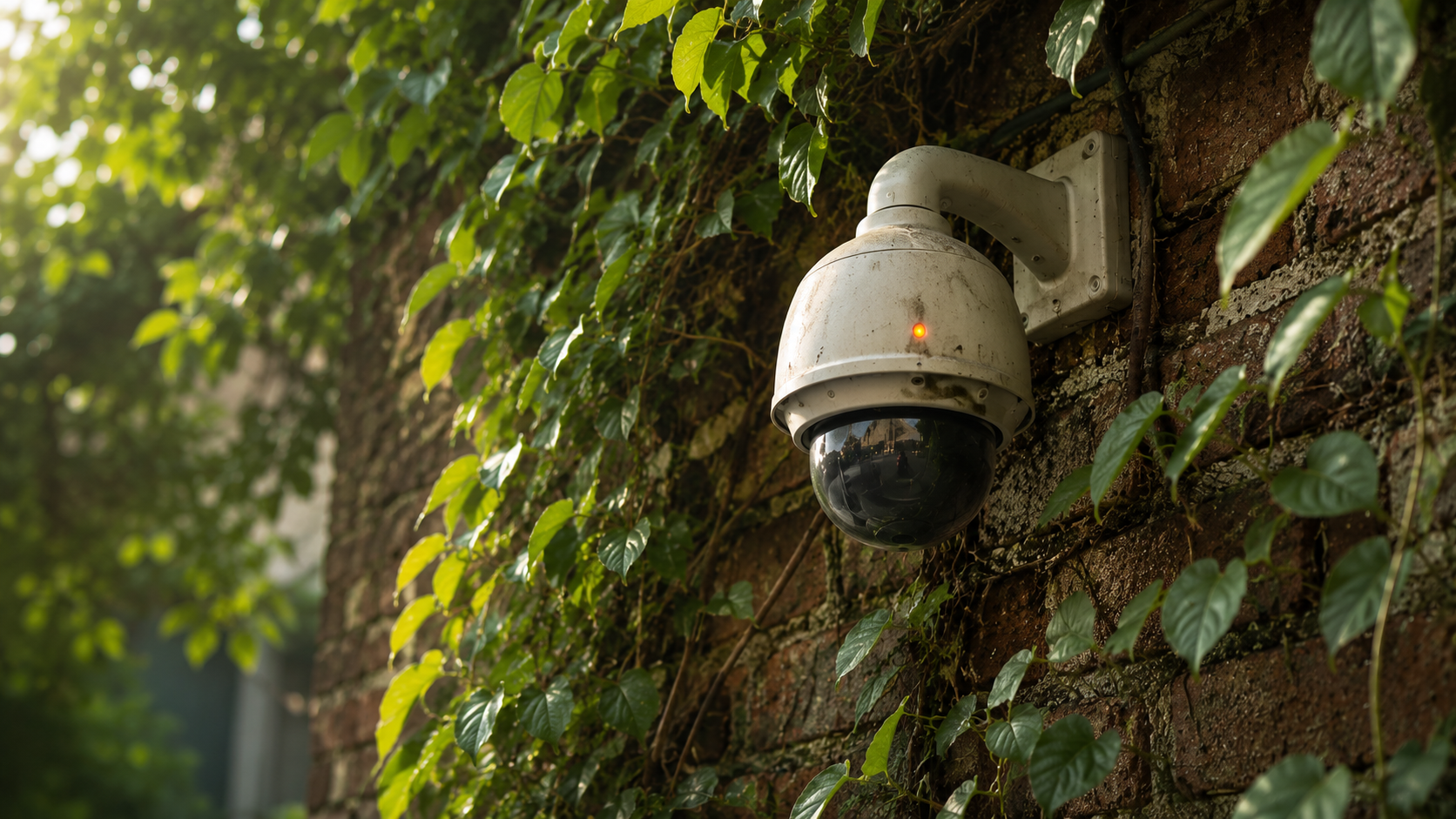
Step 4: Check the housing of each outdoor camera. Are the domes clean? Are there cobwebs? Is the bracket steady?
Step 5: Count how many cameras have low-light grain so heavy that an intruder in dark clothing would be hard to identify. That count is your real night vulnerability.
Most owners who do this audit for the first time discover that 30 to 50 percent of their cameras are producing footage that would not hold up in the moment it actually mattered. That is not a hardware problem. It is a data quality problem hiding behind a hardware count.
How Professional Monitoring Works With Your Existing Footage
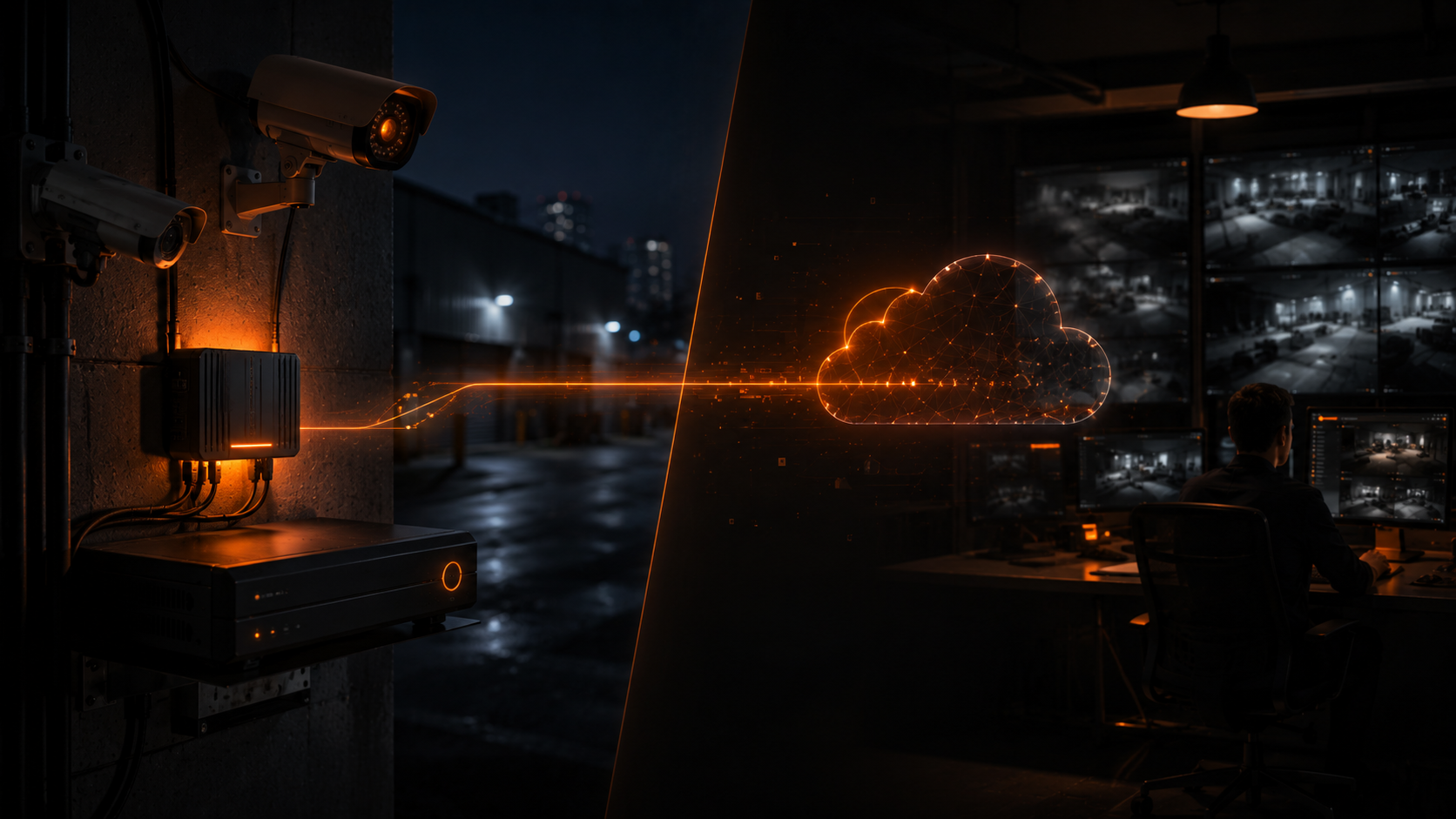
At Modernext, our monitoring service works with the cameras you already have. We do not replace your CCTV system. We connect to it. But the quality of that connection — the value our operators can extract from your feeds — depends directly on whether your cameras are producing trusted data.
This is why every Modernext onboarding starts with an assessment of your existing setup. Before we begin monitoring, we look at each feed and flag the ones that have visual quality issues. Some are simple fixes — cleaning the lens, repositioning a camera, replacing a dead IR bulb. Some are more substantial — repositioning a camera that is blinded by sun glare, or adding ambient lighting in a dark perimeter zone.
Once your cameras are producing trustworthy footage, the rest of the system can do its job. An operator can verify what they are seeing. Detection alerts are based on real movement, not noise. Recorded clips hold up as evidence. The whole system moves from “we have cameras” to “we have working surveillance.”
In one factory we onboarded last year, the owner had 28 cameras and assumed his coverage was strong. Our pre-onboarding assessment found that 11 of the 28 had serious quality issues — five had heavy night grain because the IR units had failed, three were blocked by stored material that had piled up over months, two faced the sun for half the day, and one had been knocked out of alignment by a forklift and was pointing at the ceiling. None of these were visible from the owner’s office on the live feed grid. After the assessment, the owner spent less than ten thousand rupees fixing the issues. The system did not change in count. The data became trusted.
Find Out If Your Footage Is Actually Usable
Send us your camera count and a few sample feeds. We will tell you which ones are producing trusted data and which ones need a fix before monitoring can work.
Frequently Asked Questions
Do I need 4K cameras to have a trusted data environment?
No. Resolution is only one input. A well-placed 1080p camera with good lighting and clean optics produces more trusted footage than a poorly placed 4K camera. Resolution matters most when targets are far from the camera. For most Indian business setups, 1080p at the right distance and angle is sufficient. Spend the budget on placement and lighting before resolution.
How often should CCTV lenses be cleaned?
Outdoor cameras in Indian conditions should be cleaned every 30 to 45 days at minimum. In dusty environments — factories, godowns, construction sites, roadside locations — every two weeks is more realistic. Lens degradation is slow and progressive, so it is hard to notice on a daily live feed. The change becomes obvious only when you compare today’s feed against a clean reference.
My cameras have IR night vision. Why is the night footage still bad?
IR night vision performance depends on the strength of the IR illuminator, the cleanliness of the dome, and the distance to the target. Many budget cameras have advertised IR ranges of 30 metres but realistically illuminate only 8 to 12 metres usefully. If your night footage is grainy beyond a short range, the cause is usually insufficient IR power for the area being covered. Adding ambient lighting solves this far better than upgrading the camera.
Will Modernext tell me to replace my cameras?
Almost never. Our model is to work with your existing cameras and DVR. In our experience, around 80 percent of visual quality issues are fixed without buying new hardware — cleaning, repositioning, lighting, or compression adjustments. When a camera does need replacement, it is usually because the unit itself has failed, not because the model is outdated.
How do I know if my DVR is over-compressing my footage?
Pull a recorded clip from any night two weeks ago. Play it on a full screen. Compare what you see in the recording to what you see in the live feed of the same camera now. If the recording looks significantly more pixelated, blockier, or less detailed than the live view, your DVR is compressing aggressively. Most DVRs have a bitrate setting that can be raised — at the cost of shorter retention duration.
What if I cannot fix the camera quality issues right away?
Monitoring can still begin. We will tell you which feeds we can reliably monitor and which ones we cannot trust until they are addressed. Some businesses fix the critical cameras first and address the rest over the next few months. Trusted data environment is a direction, not a one-time project. Most setups improve significantly with three or four small interventions over a quarter.
Related Articles
→ Your Security Guard Is Sitting in Front of CCTV Screens. Here’s Why That’s Not Enough.
→ 5 Signs Your Business Needs Professional CCTV Monitoring
→ CCTV Monitoring Cost in India 2026: Complete Pricing Guide
→ Cybersecurity for CCTV: Protecting Your Cameras from Hackers in 2026
→ CCTV Monitoring vs Alarm Systems: Which Protects Your Property Better?
Camera Count Means Nothing If The Footage Is Unusable
Tell us about your current setup. We will help you find out which cameras are producing trusted data and which ones need a small fix to start working properly.